Controller mode
Ten buttons to their full attention.
KiirooNot connected
ControllerPair it, then press any button
Connect both, then enter the code.
This browser has no Bluetooth for web pages. Open it in Chrome or Edge on a computer or an Android phone.
How it works
Take the controller
1
Grab the spare one
Pair it with your computer or Android phone.
2
Connect the Kiiroo
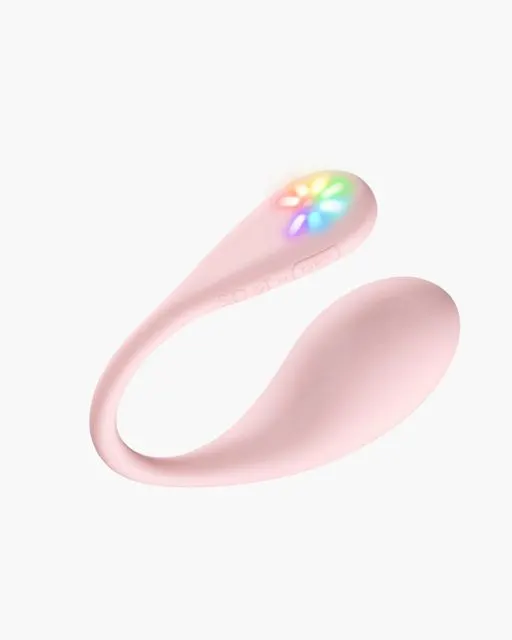
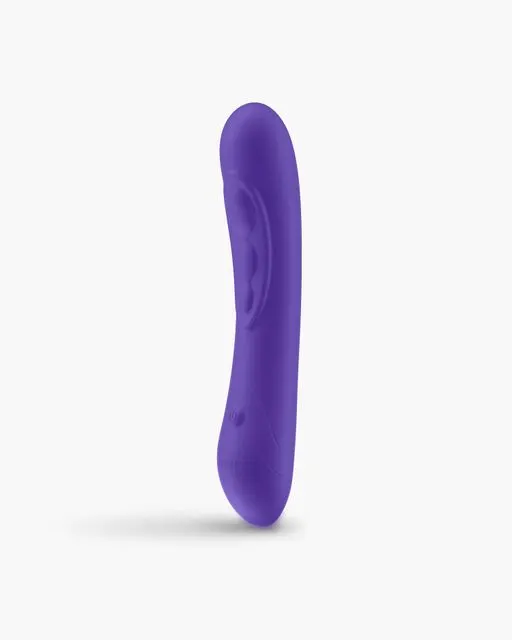
Keon, Pearl, Julio, straight from this page.
3
Squeeze R2
See who pauses first.
The button map
What each input drives
| Input | On a vibrating device | On a stroking device |
|---|---|---|
| R2 | How strong it runs. Squeeze harder for more. | How fast it moves |
| L2 | A second motor, where the device has one. On a Julio, the thrust. | — |
| Left stick | — | Where it is: down is the bottom, up is the top |
| Right stick | A third motor, where the device has one. Push up for more. | — |
| □ △ ○ ✕ | The light's own effects, one per button; press again to end it | |
| Options | Ends controller mode and stops the device | |
Built to stop. If the controller drops out, the tab is hidden or the link is
lost, the device stops at once. Nothing keeps running on its own.
For her
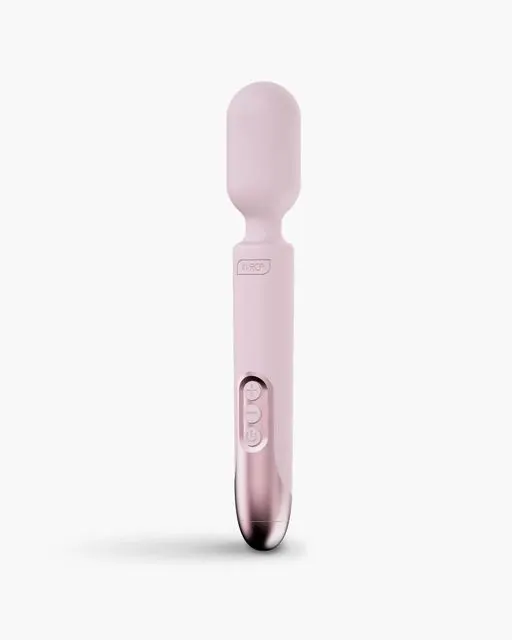
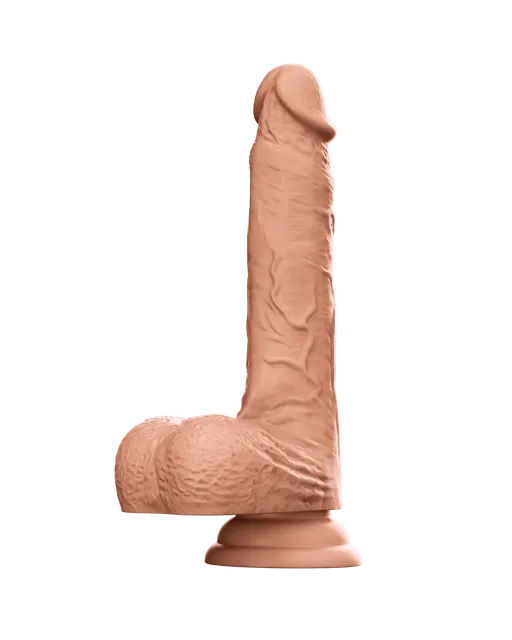
Pick your device
Want more than a controller?
KiirooApp does this and much more, on your phone.
For adults, 18 and over. Runs in Chrome or Edge on a computer or an Android phone; nothing leaves your browser. Not affiliated with, or endorsed by, any game, game publisher or console maker. PlayStation is a trademark of Sony Interactive Entertainment.